Input Settings
Step-by-step guide
Connect your receivers on aiscatcher.org walks through this with screenshots: in the control panel, in the configuration file and on the command line.
The Input menu adjusts the receiver: device type, channels, tuner gain, sample rate, bandwidth and high-sensitivity mode.
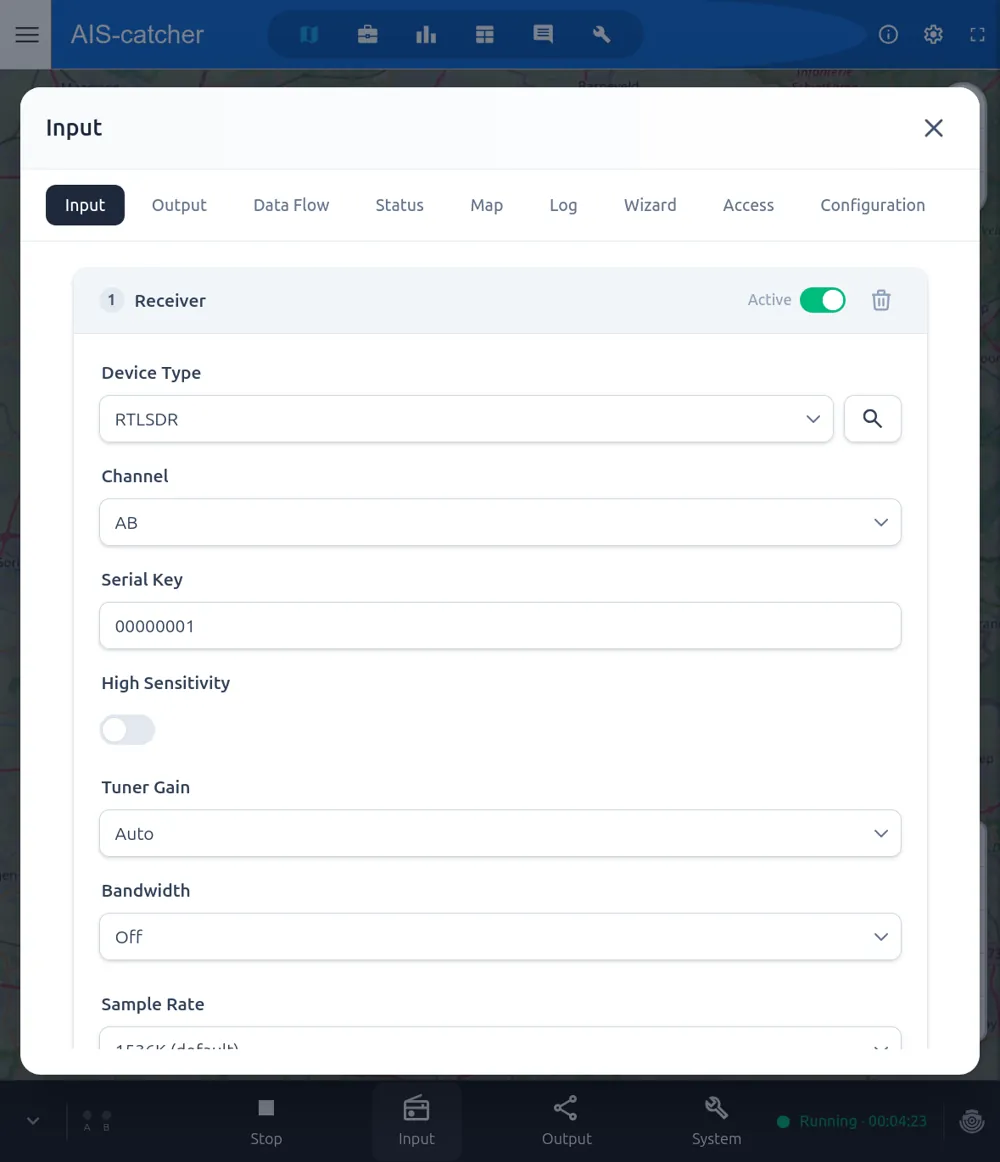
If you have only a single SDR device connected, AIS-catcher will detect and use it automatically. With multiple devices, select the one to use by type and serial number.
For SDR inputs (RTL-SDR, AirSpy, AirSpy HF+, HackRF, HydraSDR) two settings deserve special mention:
- Channel (
ABorCD) — choose between the standard AIS channel pair (161.975 / 162.025 MHz) or the long-range channels. - High Sensitivity — toggles the higher-sensitivity ("Challenger") decoder model. Trades CPU for a few percent more decoded messages. Equivalent to the
sensitivity_highsetting documented in Model Settings.
Save and restart
After changing anything, press Save, then restart the receiver for the changes to take effect.
All device-specific settings — gains, sample rates, bias-tee and more per device type — are documented in the Input Options reference.