Setup Wizard
On first use, a short setup wizard walks you through the configuration of your station:
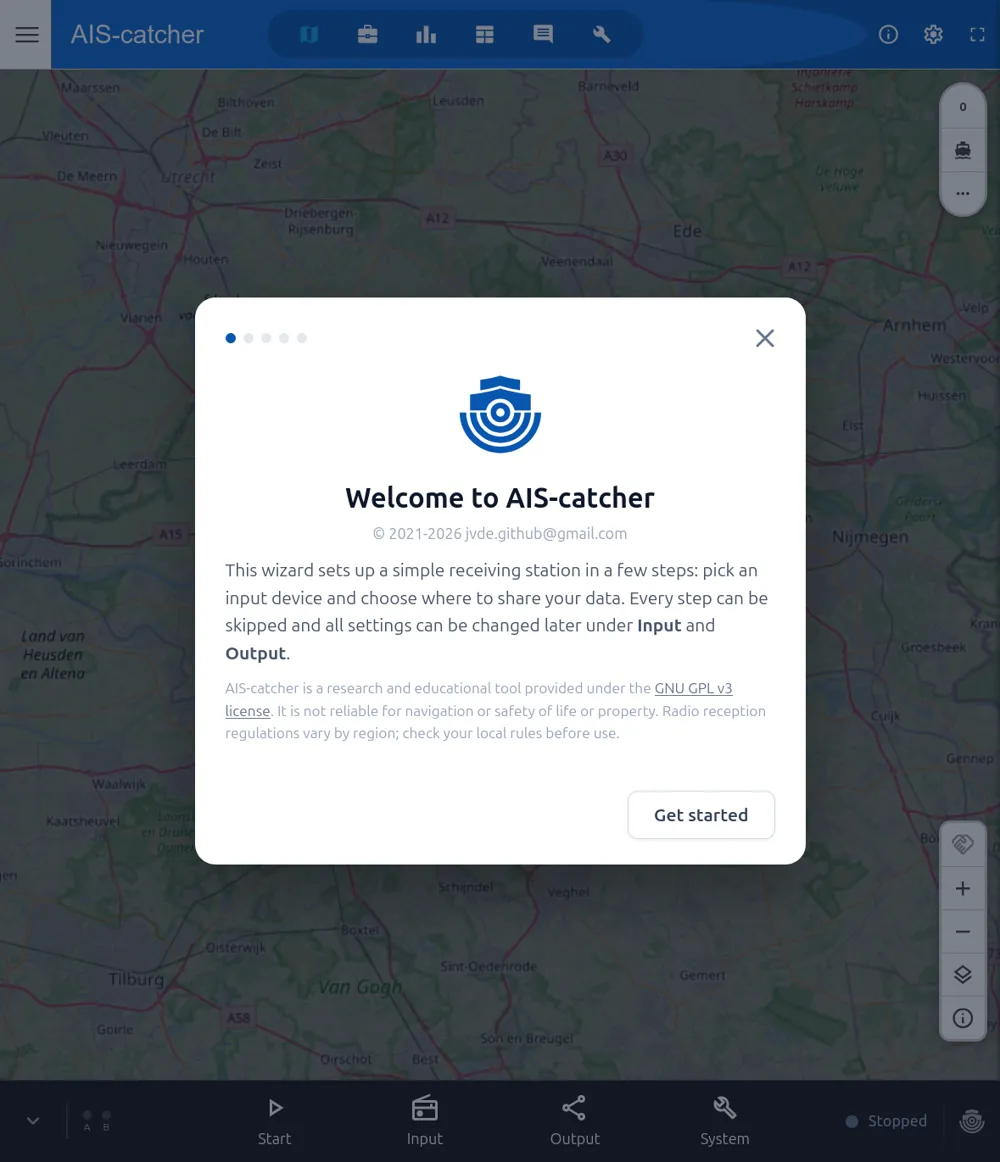
Welcome
Read the intro and press Get started. You can skip the wizard at any time and change everything later.
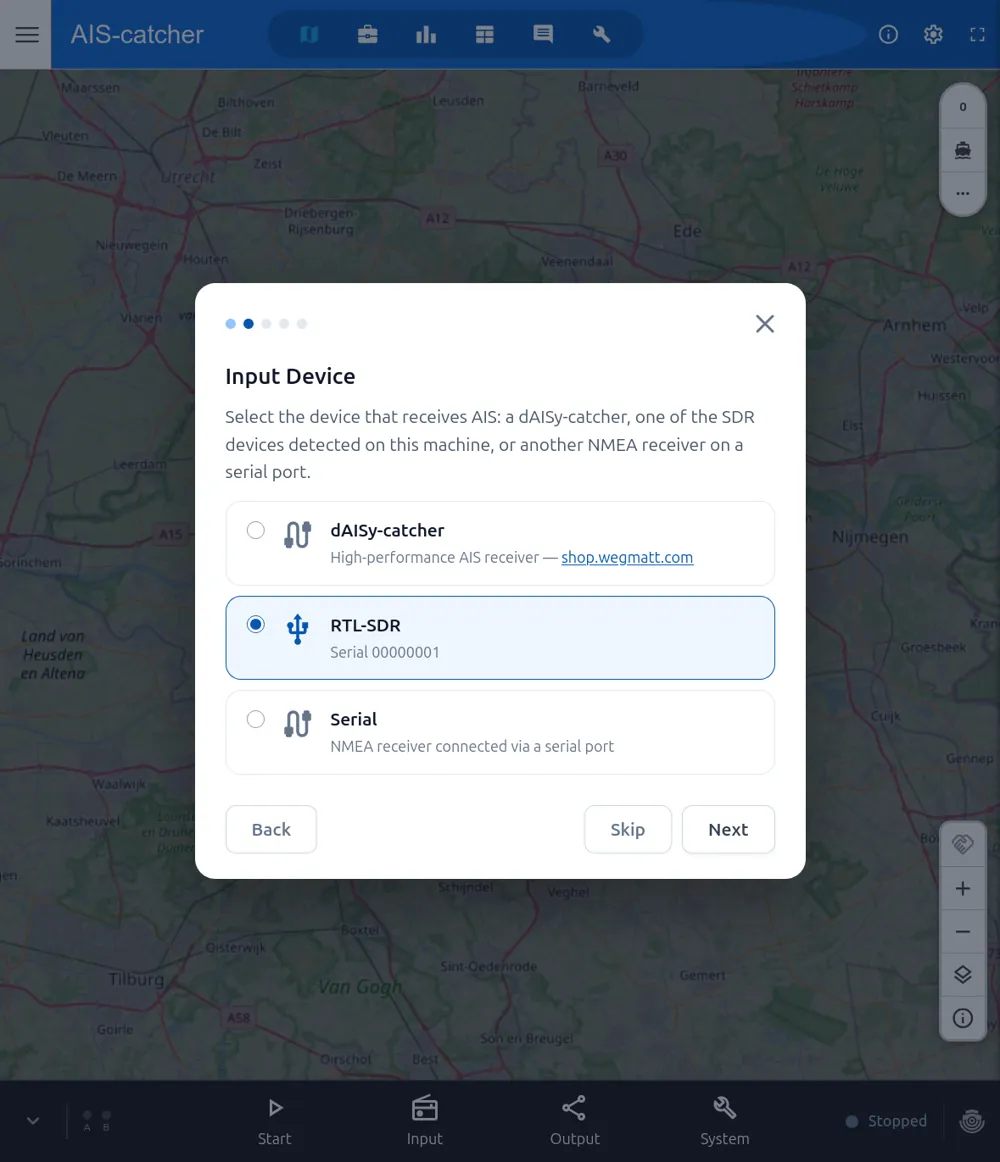
Pick your input device
Choose your RTL-SDR (detected automatically), a dAISy-catcher, or another serial receiver.
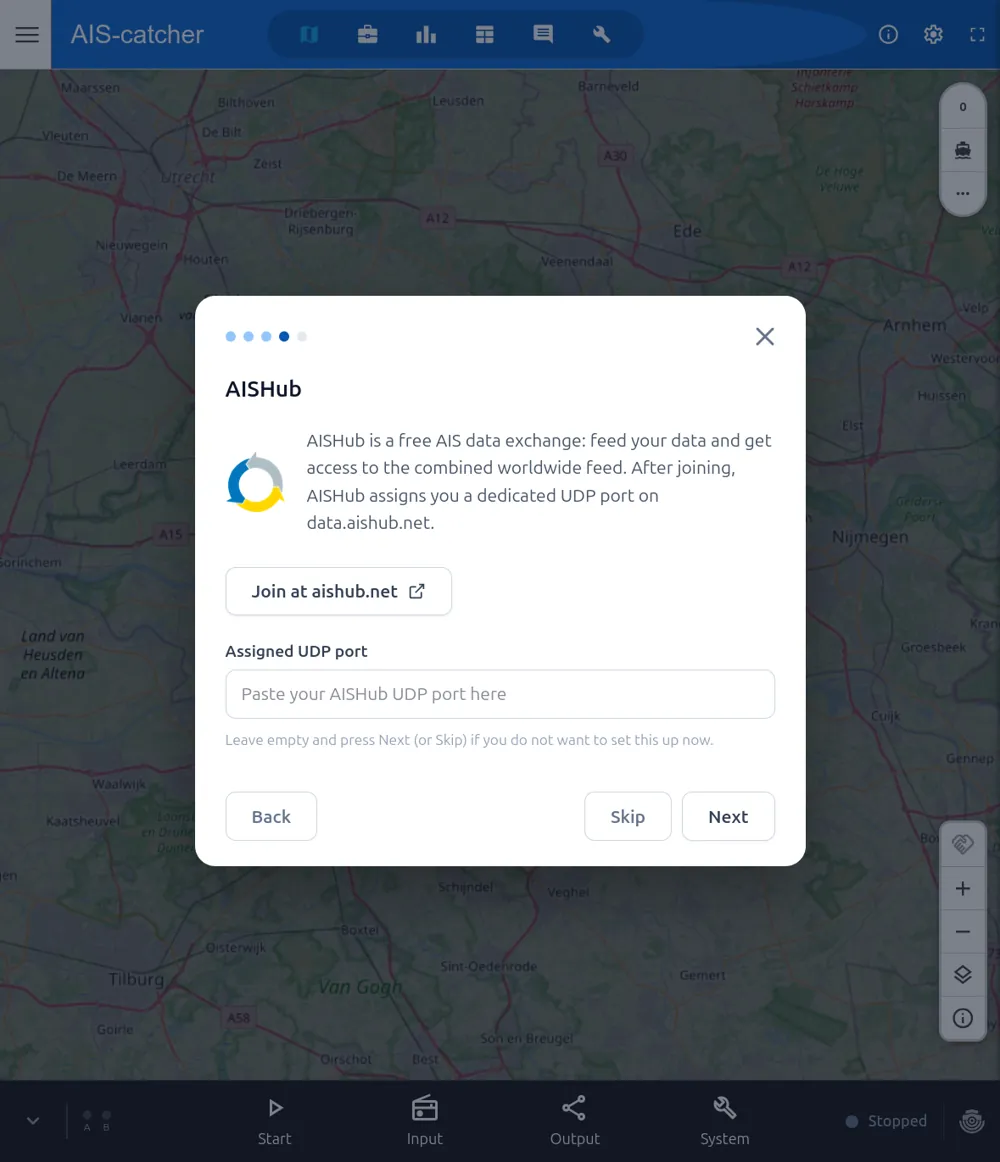
Enable output sources
Optional — share your data to pre-defined feeds like aiscatcher.org and AISHub. Leave blank and press Skip to set this up later.
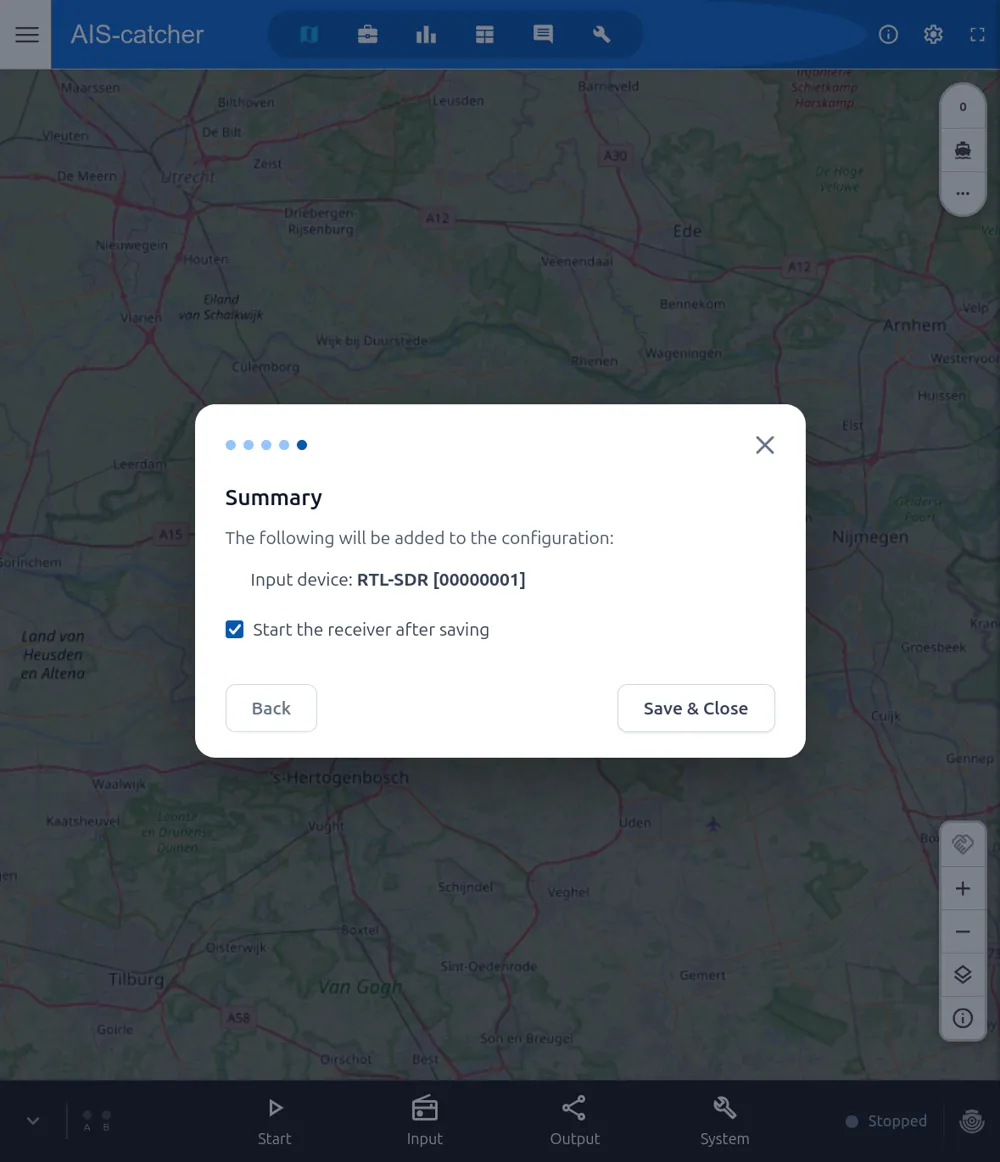
Save & Close
Review the summary. With Start the receiver after saving ticked, AIS-catcher starts automatically.
Your station is running
Received vessels now appear on the dashboard map. Anything the wizard set up can be fine-tuned later from the Input and Output settings.