Do more with your station.
Step-by-step guides for what comes after the first ships. Each one shows the steps in the dashboard, in a configuration file and on the command line.
Set up your station
Put the station on the map, with every receiver it has.
- Name and place your stationWhere the antenna stands: every distance, bearing and range is measured from there.
- Connect your receiversAn input for every receiver: an SDR, a dAISy-catcher, or NMEA over the network.
- Location from GPSOn a boat or in a vehicle, the station moves with the antenna.
- Small computersLess load on a Pi Zero, the settings that cost the least reception first.
Send your ships on
Pass what you receive to other programs and other people.
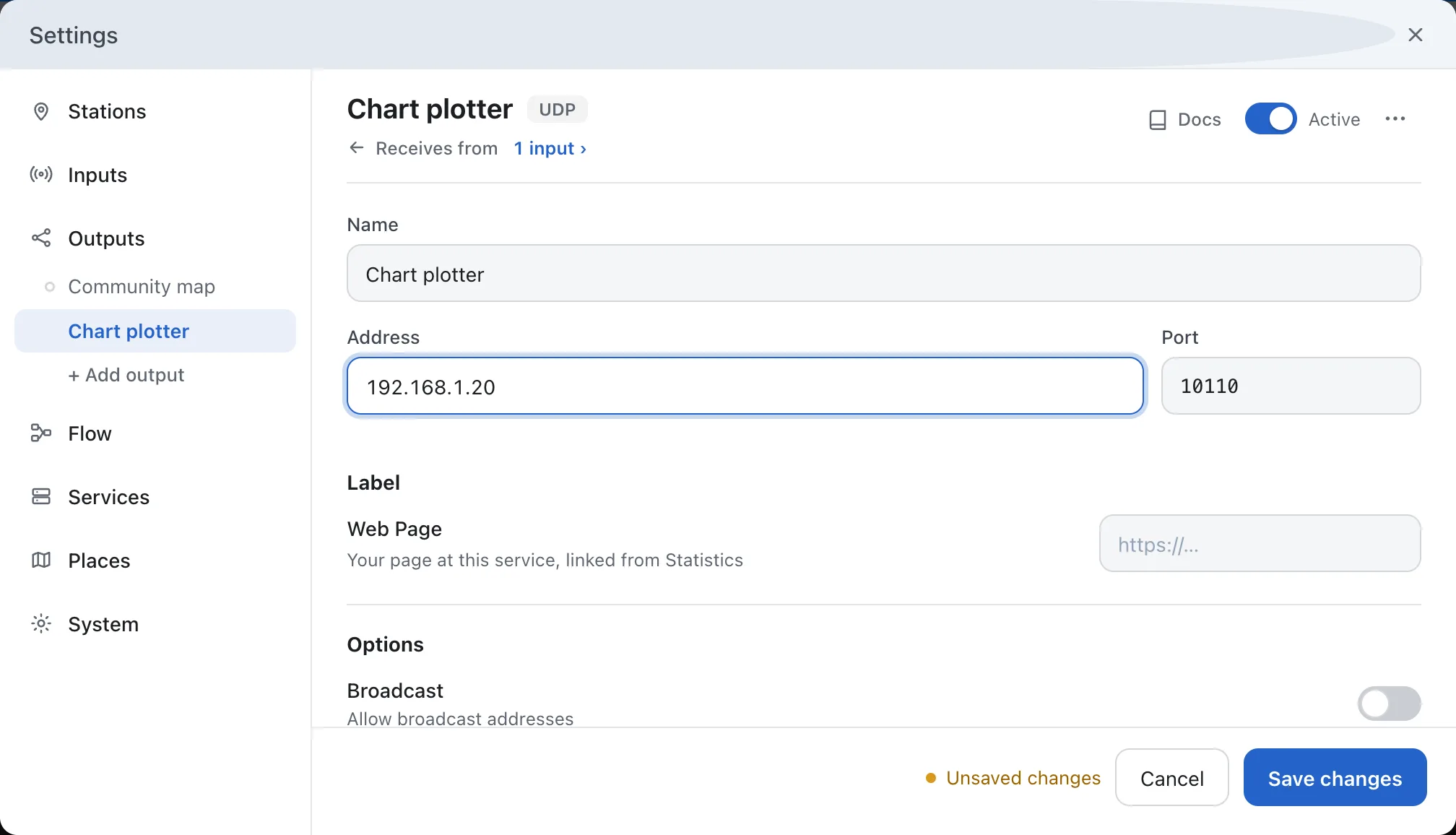
- Send ships to your chart plotter A good first guideOpenCPN, a chart plotter or a navigation app on your network, over UDP.
- Share with the community mapYour ships on the live map at aiscatcher.org, anonymously or with a station page.
- Vessels in Home AssistantYour station and the vessels you follow as entities, over MQTT.
- Graph your station in GrafanaMessages, range and signal over time, kept by Prometheus.
Build on your station
Your station's data for your own programs.
More
Aircraft, other radios, and ships beyond the horizon.
- Show aircraft (ADS-B) on the mapThe aircraft dump1090 or readsb receives, next to your ships.
- Decode samples from GNU RadioShift, filter or resample in GNU Radio, then decode in AIS-catcher, over ZeroMQ.
- Offline web viewerThe viewer without internet, with maps from files of your own.
- Long Range AISThe two channels meant for satellites, on a receiver of their own.
Tutorials
A series that builds one station up, from a second receiver to home automation.